
TL;DR

Get decor and gifts delivered free with Prime
- Fast, free delivery on millions of items
- Prime Video, Amazon Music and more included
- Member-only deals all year
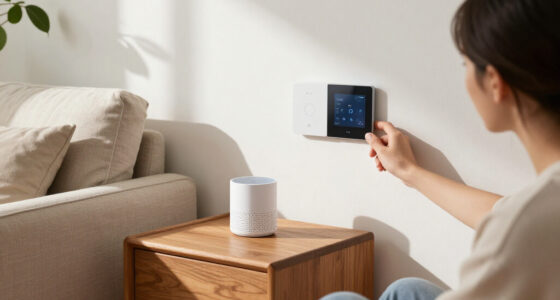
Smart cameras, locks, thermostats and other devices left in a home may still be linked to a previous owner’s account or shared with other users. Cybersecurity specialists cited by Family Handyman recommend treating inherited devices as potentially accessible until they are reset, transferred or replaced.
A Family Handyman report warns that smart devices left in a newly purchased home may remain connected to a previous owner’s account, potentially leaving that person or their authorized guests able to access features such as cameras, locks and garage controls. The report advises new homeowners to check each device’s account status, remove old users and reset equipment before relying on it for security.
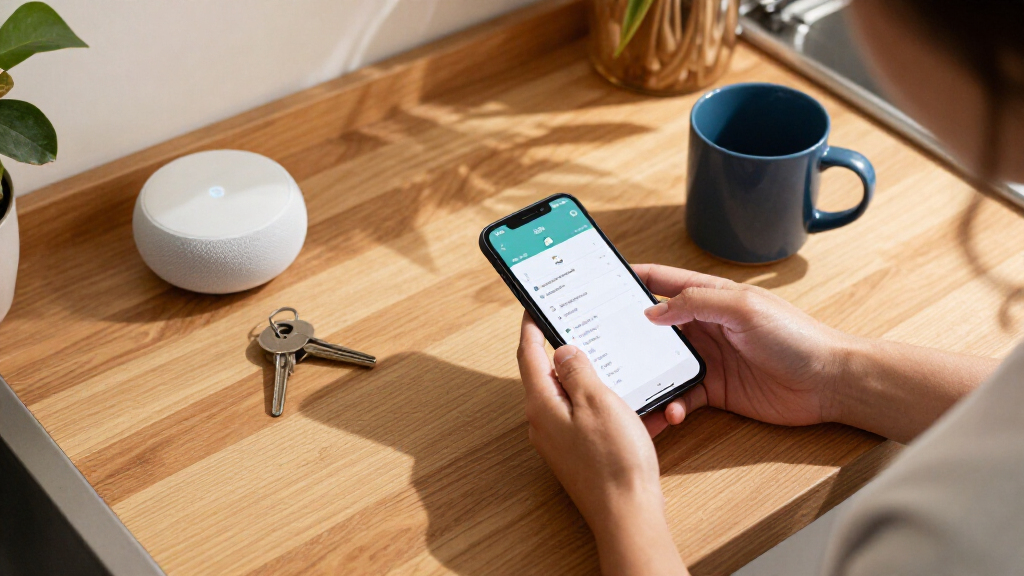
There is no reliable visual sign that an inherited device is still linked to someone else, according to Kurtis Baron, an offensive security specialist at Echo Secure, quoted in the report. Baron recommends assuming a previous owner may retain access until the new resident has checked and secured the device. Nathan Connell, founder and editor of Future Technology, suggests trying to register each item through its manufacturer’s app. A message that the device is already registered may mean another account remains associated with it.
New residents should also inspect each device’s shared-user list for unfamiliar accounts. Depending on the product, access could let a user view camera feeds, operate a connected lock or control a garage door. The report recommends following the manufacturer’s instructions to remove the old account, perform a factory reset and register the device under a new account. Some products have a formal ownership-transfer process; Ring, for example, provides one for previously registered cameras and doorbells. Google’s Nest guidance says some devices must first be removed by the former owner.
The suggested check extends beyond cameras and locks to alarms, thermostats and connected appliances. Homeowners should delete existing PINs and access codes, make new ones and remove guest access. The report also recommends setting up a new Wi-Fi password and checking the router for unknown connected devices. Baron advises considering a new router rather than continuing to use equipment left by the seller.
Who May Still Control Inherited Devices
The potential exposure is not limited to someone seeing an old account name in an app. If access has not been revoked, a former owner or a person they previously authorized may be able to use certain connected features remotely. That could affect privacy and physical access, depending on the device and permissions involved. The report does not establish that previous owners generally retain access; it describes a possibility that new residents should check.
Taking control also matters because smart equipment can be difficult to identify and its account settings are not always obvious. The Federal Trade Commission, cited in the report, notes that products such as light bulbs and security systems may not be easy to recognize as smart devices. A complete handover therefore involves more than changing door locks: residents need to identify connected equipment, check its users and confirm that their own accounts and network settings are in place.
Resetting is not always enough. Baron recommends replacing devices that cannot be fully reset or are outdated and no longer receive security updates. Until a new owner has verified control, the report advises against relying on an inherited smart lock or security camera as the home’s protection.
As an affiliate, we earn on qualifying purchases.
Device Handover Starts Before Closing
The report frames smart-device access as part of the move-in handover, alongside changing physical locks. Before closing, Connell recommends asking the seller for a list of connected devices included in the sale, along with manuals, hub details and account-transfer instructions. The FTC also recommends leaving manuals that explain smart features, including those a buyer might not readily recognize.
Baron suggests that closing paperwork specify that the seller has removed their accounts and access to devices included in the sale. That step can give the buyer a clearer basis for setting up new accounts and passwords. It does not replace checking devices individually after the handover: manufacturers may have different reset and transfer procedures, and some products require action from the account holder who registered them.
The source report draws on comments from Baron and Connell, and guidance from the FTC, Ring and Google Home and Nest Help. The advice is directed at inherited connected equipment; the supplied material does not report a new breach, a specific affected household or a change in security rules.
“It is much safer to just assume the old owner can still access them.”
— Kurtis Baron, offensive security specialist at Echo Secure
As an affiliate, we earn on qualifying purchases.
Access Depends on Device and Account
The report does not say how often previous owners retain access, or whether any particular device in a newly purchased home is still connected to an old account. Access varies by product, manufacturer and the permissions previously granted. A device appearing to work normally does not, on its own, establish who can control it remotely.
It may also be unclear whether an item can be transferred or fully reset without help from the former owner. Some manufacturers provide transfer steps, while other products may require the original account holder to remove the device first. The source material does not list every brand or model-specific procedure, so residents should consult the relevant manufacturer’s instructions. It also does not identify a universal test that proves all past access has been revoked.
As an affiliate, we earn on qualifying purchases.
Verify Access Before Relying on Devices
After moving in, homeowners can inventory connected equipment, check each manufacturer’s app for existing registration and shared users, and follow the device-specific instructions to transfer or reset it. They should replace old codes, create new ones, remove guest access and secure the router with their own network password. If a device cannot be fully reset or no longer receives security updates, the report says replacement may be warranted.
For items that remain registered to someone else, the next step is to contact the seller or manufacturer about account removal or ownership transfer. Until control is confirmed, residents should not rely on an inherited lock or camera for security. The supplied report identifies no formal deadline or announced follow-up; the immediate action is a device-by-device check.
As an affiliate, we earn on qualifying purchases.
Key Questions
How can I tell if a smart device is still linked to the seller?
Try registering it through the manufacturer’s app and check for a notice that it is already registered. Review the shared-user list for unfamiliar accounts. The report cautions that appearance alone may not reveal who has access.
Which devices should I check after moving in?
Check inherited cameras, alarms, locks, thermostats and connected appliances, as well as less obvious smart products. The FTC guidance cited by the report says some light bulbs and security systems may be difficult to identify as connected devices.
Should I replace every smart device left by the previous owner?
No. Some manufacturers allow a device to be transferred or reset. The report says replacement may be appropriate if a device cannot be fully factory reset or is outdated and no longer receives security updates.
What should I ask the seller before closing?
Ask for a list of connected devices included in the sale, their manuals, hub information and account-transfer instructions. The report also recommends asking the seller to confirm that their accounts and previously authorized access have been removed.
Source: rss
Halloween Picks
halloween
As an affiliate, we earn on qualifying purchases.